Contextual Editing
Contextual editing lets an editor see their changes on the live page immediately, without hitting save or waiting for a rebuild.
Communication architecture
Tina Admin and Nuxt talk to each other over a secure cross-window messaging protocol:
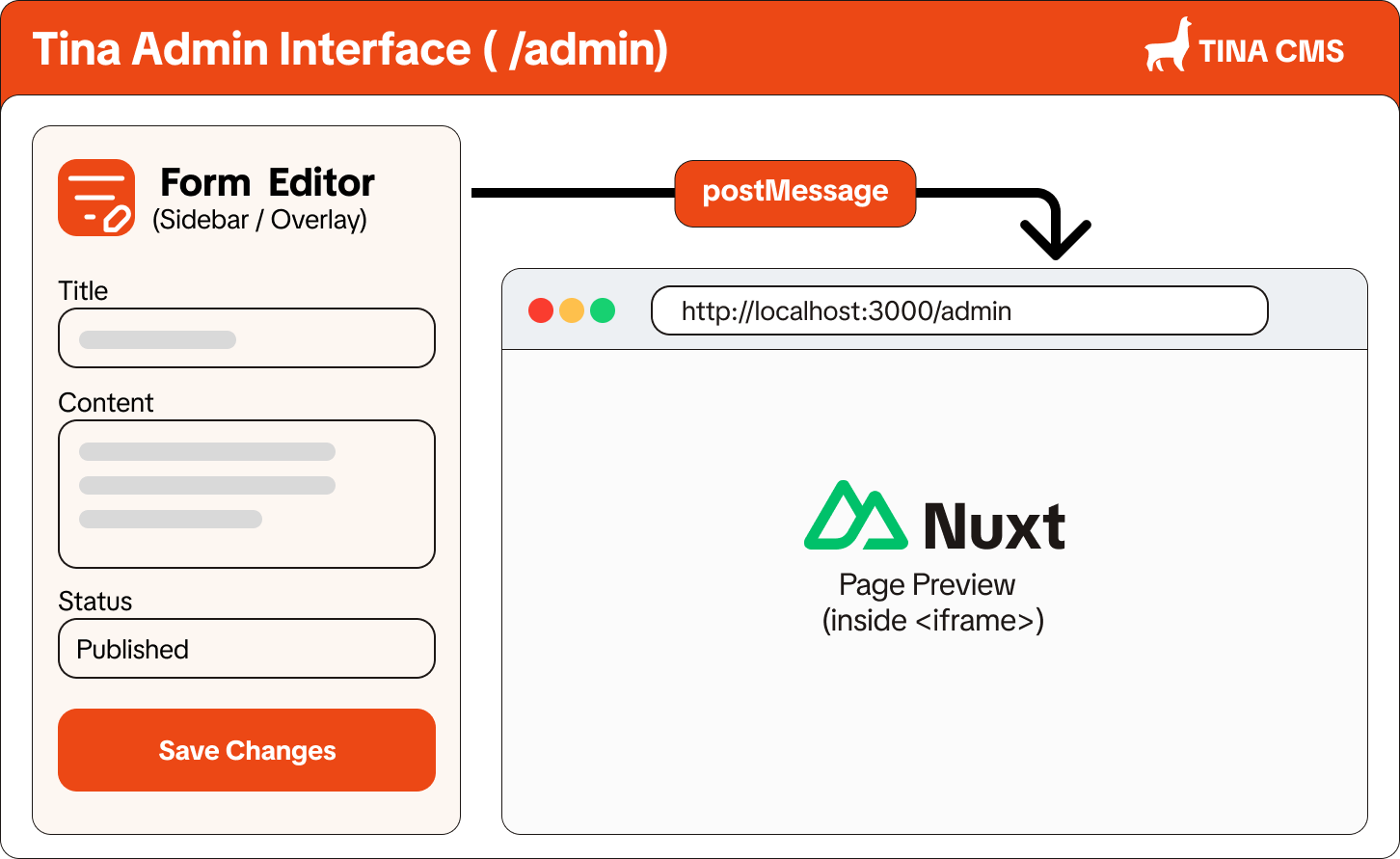
Event lifecycle
- Client ready: once the Nuxt page finishes loading inside the iframe, the bridge sends a
tinacms:client:readyevent with the current URL to Tina Admin. - Form sync: Tina Admin detects the matching form for that URL and shows the editing sidebar.
- Reactive patching: every keystroke or value change in the Tina form is sent as a payload to the iframe, picked up by the
useTina()composable, and patched into the DOM.
Configuring the preview route
Tina Admin needs to know which URL to load in the preview iframe before the handshake above can happen. It gets that URL from a router function you define per collection in tina/config.ts, under ui.router. Without one, clicking a document opens the internal edit form instead of the live preview.
{
  name: 'post',
  label: 'Posts',
  path: 'content/posts',
  ui: {
    router: ({ document }) => `/blog/${document._sys.breadcrumbs.join('/')}`,
  },
  fields: [ /* ... */ ],
}
router receives the document and collection, and returns the path your Nuxt app serves that document at. Tina Admin resolves that path against its own origin and loads it into the preview iframe, and the tinacms:client:ready handshake takes over from there.
This mapping lives entirely in TinaCMS's schema, not in nuxt-tina. The module only implements the iframe side of the protocol once the preview page has loaded.